
DecorAI Studio
Upload a room photo and generate a polished interior redesign with AI.
Transform Your Room
Upload a room image, choose a decor style, and let AI redesign the interior.
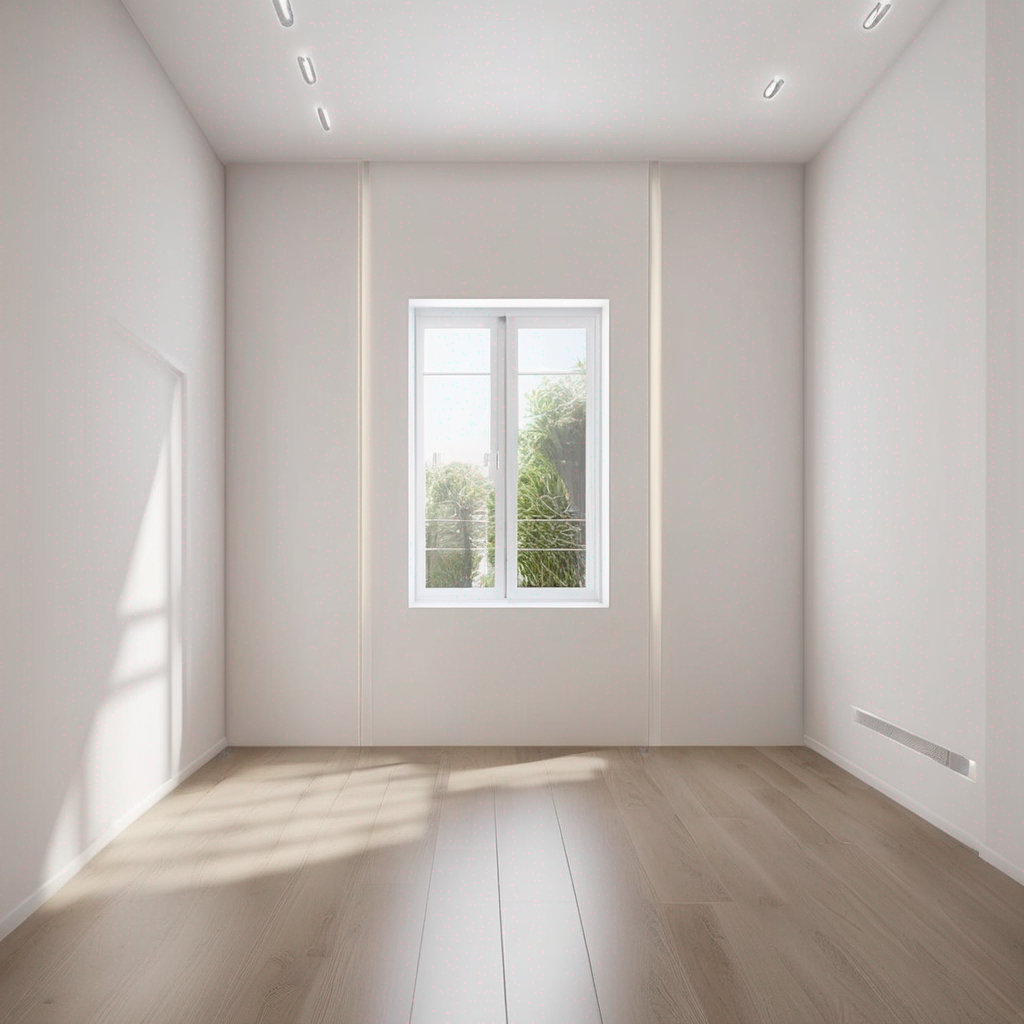
Result Preview
The latest generated decor result appears here.
Available Styles
These style prompts are loaded from the admin panel.
Luxury
Transform this room into a luxury interior with premium finishes, elegant lighting, and upscale furniture.
Scandinavian
Transform this room into a Scandinavian interior with bright tones, warm wood textures, and soft daylight.
Modern
Transform this room into a clean modern interior with balanced furniture, neutral palette, and elegant lighting.
FAQ
Basic information about how the tool works.
What image works best?
Clear room photos with visible furniture and good lighting.
Which AI provider is being used?
The current provider is replicate, selected from the admin panel settings.
Are results saved?
Yes, each result is stored in the database and in the results folder.